Microsoft Patch Tuesday is a highly anticipated event in the IT and cybersecurity world. Scheduled on the second Tuesday of each month, it delivers critical security and feature updates for Windows operating systems and related Microsoft products. The September 2025 release, however, stands out as one of the largest in recent memory—addressing a record number of vulnerabilities and rolling out expansive improvements for enterprises of every size.
Table of Contents
What is Microsoft Patch Tuesday?
Patch Tuesday is Microsoft’s global initiative for streamlining the release of security fixes, updates, and improvements. Its routine cadence helps IT professionals plan for deployments, avoid random update interruptions, and remain up-to-date on threat mitigations. Each Patch Tuesday includes cumulative updates for supported Windows versions, Office applications, and critical enterprise products.
September 2025: An Unusually Large Release
This month’s update is being described across the industry as an “unusually large patch release.” Microsoft delivered fixes for over 140 vulnerabilities—a considerable jump from monthly averages (typically 70–100).
Among the most urgent:
- Several zero-day vulnerabilities exploited in the wild
- Elevation of privilege flaws in core Windows components
- Remote execution bugs in Office and Microsoft 365 services
Critical Vulnerabilities Addressed
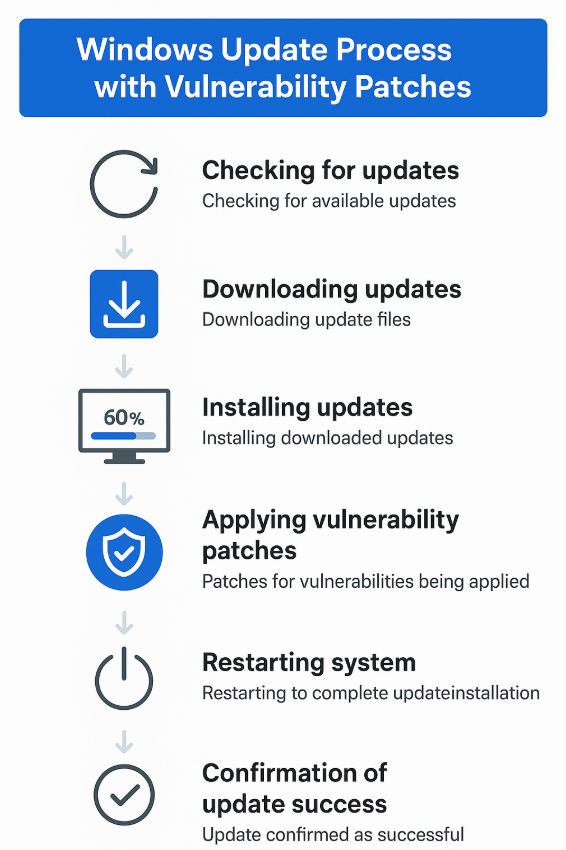
The September 2025 Patch Tuesday addresses a broad range of security risks:
- CVE-listed flaws in Windows Kernel and Win32k
- RCE threats in Outlook and Teams
- Active Directory and domain privilege escalation pathways
- Edge browser and Defender for Endpoint updates
- Exploits targeting unsupported or end-of-life products
Key Security Updates and Fixes
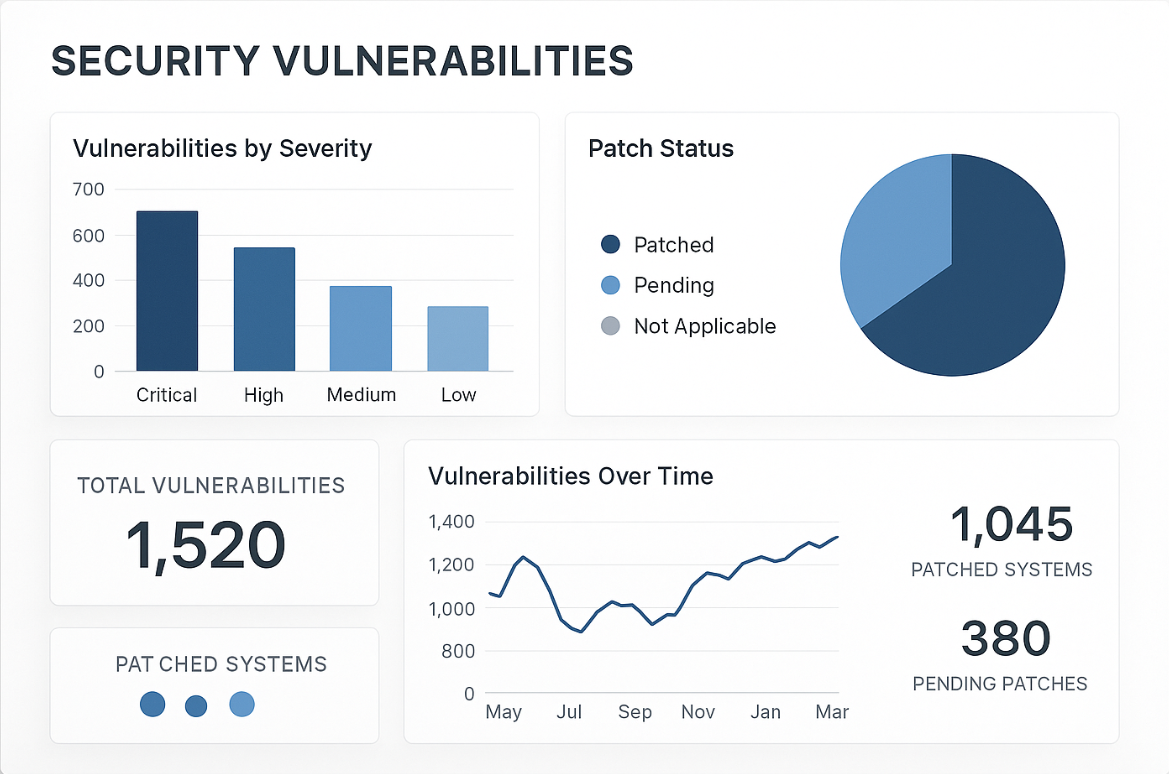
This month’s cumulative updates include:
- Comprehensive fixes for Windows 10, 11, and Windows Server 2016/2019/2022
- Microsoft Office patches for Outlook, Word, Excel, and PowerPoint
- Microsoft Edge (Chromium) browser updates
- Azure and cloud platform fixes
- Role-based access and Group Policy safeguards
- Improvements to Windows Update reliability
Impact on Windows Operating Systems
All supported consumer and enterprise editions receive updates:
- Kernel-level security enhancements
- Better exploit detection and logging features
- Remediation for network stack and protocol vulnerabilities
Legacy OSes (like Windows 7/8.1) receive selective updates if under extended support. IT teams are strongly advised to prioritize patching for critical servers and workstations, as several of these vulnerabilities have published exploit code or active campaigns targeting them.
Microsoft Office and Productivity Suite Updates
Office users benefit from fixes for macro security, phishing, and collaboration features. Key highlights include:
- Anti-malware improvements in Excel
- Email security safeguards in Outlook
- Collaboration patching for Teams and SharePoint
Server and Enterprise Applications
Server products—including Exchange, SharePoint, and SQL Server—get important mitigations for remote code execution and data protection.
- Exchange Server updates plug email vulnerabilities
- SharePoint receives patching for access management bugs
Deployment Best Practices for IT Teams
To address the scale of this release:
- Review Microsoft’s official update guidance and patch notes
- Deploy updates first to non-production/testing environments
- Monitor for post-patch issues and check relevant event logs
- Communicate downtime or restart requirements to staff
- Stagger updates across business-critical servers and end-user devices
Known Issues and Troubleshooting
Following such a large release, a few known issues have emerged:
- Occasional print spooler errors after update
- Temporary slowdowns on older hardware
- Incompatibilities with certain third-party AV tools
IT departments are advised to monitor Microsoft’s known issues tracker and subscribe to tech alert bulletins for real-time remediation steps and possible rollback scenarios.
Timeline for Implementation
- Patch availability: Second Tuesday, September 2025
- Suggested timeline:
- Business-critical assets: Patch after out-of-hours testing
- End-user devices: Within one week
- Legacy/unsupported systems: As soon as extended patches are available
Rapid patching is strongly encouraged given the exploitability of key vulnerabilities addressed in this month’s release.
Frequently Asked Questions
Q: Why is Patch Tuesday important for enterprises?
A: Patch Tuesday standardizes updates, reduces attack windows for known vulnerabilities, and helps IT teams maintain compliance.
Q: Can I roll back updates if issues arise?
A: Windows allows rollback of most cumulative updates. Always back up critical systems before major patch cycles.
Q: How do I check if a patch is applied?
A: Audit using Windows Update History or command-line tools like systeminfo and wmic qfe list.
Q: Where are detailed patch notes published?
A: Microsoft publishes notes on its Security Update Guide and update KB articles.
Conclusion
September 2025’s Patch Tuesday sets a new standard in scale and impact. IT and security professionals must prioritize timely deployment, stay informed through official bulletins, and maintain strong backup, monitoring, and disaster recovery protocols. Despite the size of this release, regular updating remains the single best defense against evolving cyber threats.