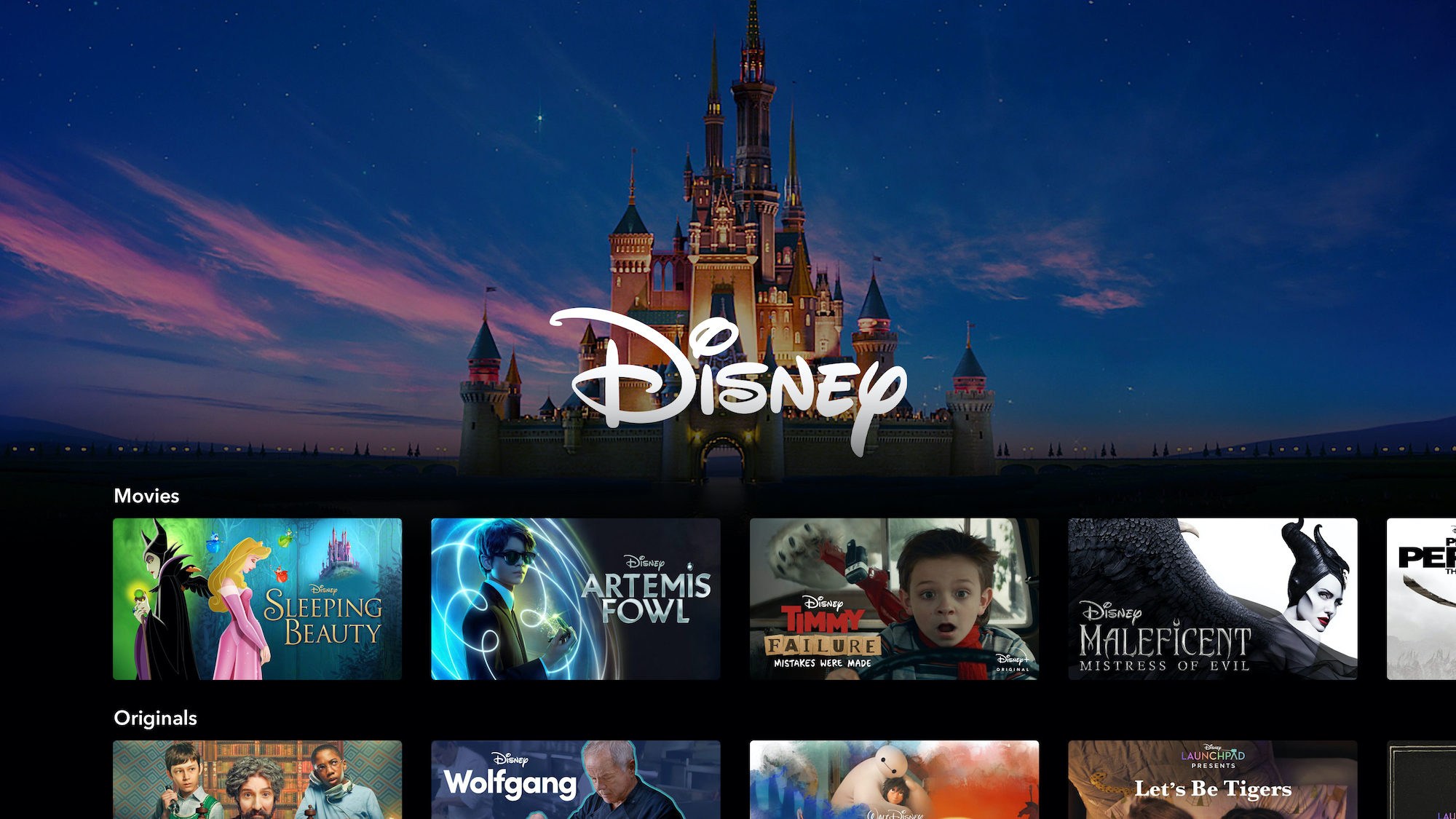
Activating Disney Plus on your streaming devices has never been easier with the streamlined 8-digit activation code system. Whether you’re setting up Disney Plus on your brand-new smart TV, Roku device, Apple TV, or any other streaming platform, this comprehensive guide will walk you through every step of the activation process, troubleshoot common issues, and ensure you’re streaming your favorite Disney, Marvel, Star Wars, and Pixar content in minutes.
Table of Contents
Understanding Disney Plus Device Activation
Disney Plus device activation is the secure process that connects your streaming devices to your Disney Plus account using a unique 8-digit code. This method eliminates the need to type lengthy email addresses and passwords using TV remotes, making the setup process faster and more user-friendly.
Why the 8-Digit Code System Exists:
- Enhanced Security: Each code is unique and expires within 10-15 minutes for maximum protection
- Convenience: Eliminates complex password entry on TV remotes
- Universal Compatibility: Works across all smart TV brands and streaming devices
- Account Protection: Prevents unauthorized access to your Disney Plus subscription
What You Need Before Starting
Prerequisites for Activation:
- Active Disney Plus Subscription: Monthly ($9.99-$15.99) or annual plans available.
- Stable Internet Connection: Minimum 5 Mbps recommended for HD streaming
- Secondary Device: Smartphone, tablet, or computer for code entry
- Disney Plus App: Installed on your target streaming device
Supported Devices:
- Smart TVs (Samsung, LG, Sony, Vizio, TCL)
- Streaming devices (Roku, Amazon Fire TV/Stick, Apple TV, Chromecast)
- Gaming consoles (PlayStation 4/5, Xbox One/Series X/S)
- Set-top boxes (Xfinity, DirectTV, Cable providers)
Step-by-Step Universal Activation Process
Method 1: Standard 8-Digit Code Activation
Step 1: Launch Disney Plus App
Open the Disney Plus application on your streaming device. If not installed, download it from your device’s app store.
Step 2: Generate Activation Code
The app will display an 8-digit activation code on your screen. This code is unique to your device and session.
Step 3: Access Activation Website
Using a smartphone, tablet, or computer, navigate to:
Step 4: Sign In to Your Account
Enter your Disney Plus email address and password. If you don’t have an account, you’ll need to create one first.
Step 5: Enter Activation Code
Carefully input the 8-digit code displayed on your TV screen. Double-check for accuracy as codes are case-sensitive.
Step 6: Complete Activation
Click “Continue” or “Submit” to link your device to your account. Your TV will automatically refresh and log you in.
Method 2: Mobile App Activation
Alternative Quick Setup:
- Download Disney Plus Mobile App on your smartphone
- Sign in to your Disney Plus account
- Connect to Same Wi-Fi as your streaming device
- Select “Cast” or “Connect Device” from the mobile app
- Choose your streaming device from the available list
- Confirm connection when prompted
Device-Specific Activation Instructions
Smart TV Activation Guide
Samsung, LG, Sony, and Other Smart TVs:
Step 1: Access App Store
Navigate to your TV’s built-in app store (Samsung Smart Hub, LG Content Store, etc.)
Step 2: Download Disney Plus
Search for “Disney Plus” and install the official app.
Step 3: Launch and Get Code
Open the app and note the 8-digit activation code displayed prominently on screen
Step 4: Complete Web Activation
Follow the universal activation steps using disneyplus.com/begin
Pro Tips for Smart TVs:
- Update TV Firmware: Ensure your smart TV has the latest software
- Check Internet Speed: Test connection speed directly on your TV
- Clear App Cache: If experiencing issues, clear Disney Plus app data
- Restart TV: Power cycle your TV if the app won’t launch properly
Roku Device Activation
Roku Ultra, Roku Stick, Roku TV Setup:
Step 1: Access Channel Store
From your Roku home screen, navigate to “Streaming Channels”[
Step 2: Find Disney Plus
Browse to “Movies & TV” category or search directly for “Disney Plus”
Step 3: Add Channel
Select “Add Channel” to install Disney Plus on your Roku device
Step 4: Launch and Activate
Open Disney Plus, note the activation code, and complete setup at disneyplus.com/begin
Roku-Specific Features:
- Voice Remote: Use voice search to find Disney Plus content
- Private Listening: Connect headphones to Roku remote for private viewing
- Mobile App Control: Use Roku mobile app as remote alternative
Apple TV Activation Process
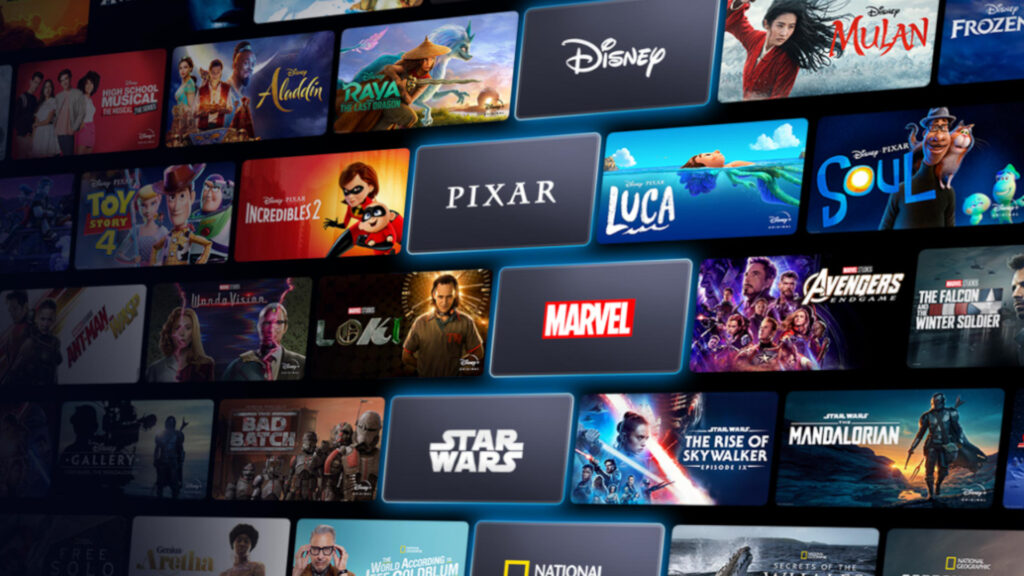
Apple TV HD and 4K Models:
Step 1: App Store Access
From the Apple TV home screen, open the App Store
Step 2: Download Disney Plus
Search for Disney Plus and select “Get” to download the application
Step 3: Sign In Process
Launch Disney Plus and choose between:
- 8-digit code method (described above)
- Apple ID sign-in (if linked to Disney Plus account)
- AirPlay from iPhone/iPad Disney Plus app
Apple TV Enhanced Features:
- Siri Integration: Use voice commands to find Disney Plus content
- Dolby Atmos Support: Experience premium audio quality
- 4K HDR Streaming: Enjoy ultra-high definition video quality
- HomeKit Integration: Control viewing experience through Apple Home
Amazon Fire TV/Fire Stick Setup
Fire TV Cube, Fire TV Stick, Fire TV Edition TVs:
Step 1: Home Screen Navigation
From Fire TV home screen, go to “Apps” section
Step 2: Find Disney Plus
Use the search function or browse entertainment apps to locate Disney Plus
Step 3: Install Application
Select Disney Plus and click “Download” or “Get App”
Step 4: Activation Process
Launch app, obtain 8-digit code, and complete activation at disneyplus.com/begin
Fire TV Optimization Tips:
- Alexa Voice Commands: “Alexa, open Disney Plus” for quick access
- X-Ray Integration: View cast and crew information while watching
- Profile Management: Set up individual profiles for family members
- Parental Controls: Restrict content based on age ratings
Gaming Console Activation
PlayStation and Xbox Setup:
PlayStation 4/5 Activation:
- Access PlayStation Store from console home screen
- Search for Disney Plus in entertainment section
- Download and Install the application
- Launch App and follow 8-digit code activation process
Xbox One/Series X/S Activation:
- Open Microsoft Store from Xbox dashboard
- Browse Apps or search for “Disney Plus”
- Install Application to console storage
- Complete Activation using standard 8-digit code method
Gaming Console Benefits:
- High-Quality Streaming: Support for 4K HDR and Dolby Atmos
- Game Integration: Seamless switching between gaming and streaming
- Multiple Profiles: Family-friendly account management
- Achievement Integration: Track viewing milestones (Xbox)
Cable Provider Integration
Xfinity X1 and Flex Activation
Simplified Xfinity Setup:
Step 1: Voice Command Access
Press the Xfinity button on your remote and say “Disney Plus”
Step 2: App Navigation
Alternatively, navigate to “Apps” from the main menu and select Disney Plus
Step 3: Account Integration
Choose to either:
- Sign in with existing Disney Plus account
- Create new Disney Plus account
- Link Xfinity subscription (if applicable)
Step 4: Direct Access
Once configured, Disney Plus integrates directly into your Xfinity interface without requiring additional activation codes
Xfinity Benefits:
- Voice Control: “Disney Plus” voice commands through Xfinity remote
- Integrated Search: Find Disney Plus content through Xfinity search
- Single Bill: Potential billing integration (depending on plan)
- Seamless Experience: No app switching required
DirectTV and Other Providers
Cable Provider Integration Steps:
- Check Provider Support: Verify Disney Plus availability through your cable provider
- Access Apps Section in your cable box interface
- Download Disney Plus if available in provider app store
- Complete Standard Activation using 8-digit code method
- Link Accounts if provider offers integrated billing
Troubleshooting Common Activation Issues
Code-Related Problems
8-Digit Code Not Working:
Possible Solutions:
- Check Code Expiration: Codes expire after 10-15 minutes; generate a new one
- Verify Accuracy: Ensure correct entry without typos or extra spaces
- Case Sensitivity: Some codes may be case-sensitive; match exactly
- Refresh Browser: Clear browser cache and retry activation process
- Device Restart: Close and reopen Disney Plus app to generate new code
Code Not Appearing:
- App Update: Ensure Disney Plus app is updated to latest version
- Internet Connection: Verify stable internet connectivity on streaming device
- App Reinstallation: Uninstall and reinstall Disney Plus app
- Device Compatibility: Confirm your device supports Disney Plus streaming
Network and Connectivity Issues
Streaming Problems:
Internet Speed Requirements:
- Standard Definition: 3 Mbps minimum
- High Definition: 5 Mbps minimum
- 4K Ultra HD: 25 Mbps minimum
Connection Troubleshooting:
- Speed Test: Verify internet speed meets Disney Plus requirements
- Router Reset: Restart modem and router to refresh connection
- WiFi Signal: Ensure strong signal strength at streaming device location
- Ethernet Connection: Use wired connection for most stable streaming
Account and Subscription Issues
Login Problems:
Common Solutions:
- Password Reset: Use Disney Plus password recovery option
- Account Verification: Ensure account is active and subscription current
- Multiple Devices: Check if you’ve exceeded simultaneous streaming limits
- Geographic Restrictions: Verify Disney Plus availability in your region
Subscription Status:
- Payment Verification: Confirm credit card or payment method is current
- Account Reactivation: Renew expired subscriptions through Disney Plus website
- Bundle Plans: Verify bundle subscriptions include Disney Plus access
Advanced Features and Optimization
Profile Management and Parental Controls
Setting Up Family Profiles:
Profile Creation:
- Access Account Settings in Disney Plus app or website
- Add New Profile with custom name and avatar
- Set Age Restrictions based on content ratings
- Enable Junior Mode for children under 7 years old
- Configure Viewing Restrictions for mature content
Parental Control Features:
- Content Ratings: Filter by G, PG, PG-13, R, and TV ratings
- PIN Protection: Secure mature content behind PIN codes
- Viewing History: Monitor what children are watching
- Time Restrictions: Set viewing time limits per profile
Premium Features and Quality Settings
Video Quality Optimization:
Available Quality Options:
- 4K Ultra HD: Available on compatible devices and plans
- Dolby Vision HDR: Enhanced color and contrast on supported displays
- Dolby Atmos Audio: Immersive surround sound experience
- IMAX Enhanced: Special formatting for select movies
Quality Settings Management:
- Auto Quality: Automatically adjusts based on internet speed
- Data Saver: Reduces data usage for mobile or limited connections
- Download Quality: Choose quality for offline downloads
- Bandwidth Control: Limit streaming quality to manage data usage
Multi-Device Management
Simultaneous Streaming:
- Device Limits: Stream on up to 4 devices simultaneously
- Profile Switching: Seamlessly switch between family profiles
- Watch History Sync: Continue watching across different devices
- Download Limits: Download content for offline viewing on mobile devices
Disney Plus Content and Features Overview
Exclusive Content Libraries
Available Content Categories:
Disney Classics:
- Animated masterpieces from Walt Disney Studios
- Live-action remakes and new Disney originals
- Disney Channel movies and series
- Disney Junior programming for young children
Marvel Cinematic Universe:
- Complete Marvel movie collection
- Marvel Studios original series (WandaVision, Loki, The Falcon and The Winter Soldier)
- Marvel animated series and specials
- Behind-the-scenes documentaries and making-of content
Star Wars Galaxy:
- Original and prequel trilogies
- Disney+ original series (The Mandalorian, The Book of Boba Fett, Obi-Wan Kenobi)
- Star Wars: The Clone Wars and Rebels animated series
- Star Wars documentaries and specials
Pixar Studios:
- Complete Pixar movie library
- Pixar Sparkshorts and original content
- Behind-the-scenes content and director commentaries
- Exclusive Pixar series and specials
National Geographic:
- Award-winning documentaries
- Nature and wildlife programming
- Science and exploration series
- Historical and cultural content
Subscription Plans and Pricing
2025 Disney Plus Plans:
Disney Plus Basic (With Ads):
- Price: $9.99/month
- Features: Full content library with limited advertisements
- Video Quality: Up to 1080p HD
- Simultaneous Streams: 4 devices
- Downloads: Available for offline viewing
Disney Plus Premium (No Ads):
- Price: $15.99/month or $159.99/year
- Features: Ad-free streaming experience
- Video Quality: Up to 4K Ultra HD with HDR
- Premium Audio: Dolby Atmos support
- All Features: Unlimited downloads and premium quality
Bundle Options:
- Disney+ and Hulu Bundle: Starting at $10.99/month
- Disney+, Hulu, and ESPN+ Bundle: Starting at $16.99/month
- Disney+, Hulu, and Max Bundle: Starting at $16.99/month
Security and Privacy Considerations
Account Security Best Practices
Protecting Your Disney Plus Account:
Strong Authentication:
- Complex Passwords: Use unique, strong passwords for your account
- Two-Factor Authentication: Enable additional security layers when available
- Regular Password Updates: Change passwords periodically
- Secure Sign-Out: Always log out from shared or public devices
Privacy Settings:
- Viewing History Management: Clear or manage viewing history
- Profile Privacy: Set appropriate privacy settings for each family profile
- Data Sharing Preferences: Control how Disney uses your viewing data
- Marketing Communications: Manage email and notification preferences
Safe Streaming Practices
Device Security:
- Official Apps Only: Download Disney Plus only from official app stores
- Regular Updates: Keep apps and devices updated with latest security patches
- Network Security: Use secure, password-protected WiFi networks
- Public WiFi Caution: Avoid logging into accounts on unsecured public networks
Future of Disney Plus Streaming
Upcoming Features and Improvements
2025 Technology Enhancements:
Advanced Streaming Technology:
- AI-Powered Recommendations: More personalized content suggestions
- Interactive Content: Choose-your-own-adventure style programming
- Virtual Reality Integration: VR experiences for select content
- Enhanced Audio: Spatial audio support for compatible devices
Platform Improvements:
- Faster Loading: Optimized streaming technology for quicker content access
- Improved Search: Advanced search capabilities with voice recognition
- Social Features: Share viewing experiences with friends and family
- Cross-Platform Sync: Better synchronization across all devices
Content Expansion Plans
Growing Content Library:
- International Content: More global Disney productions and local content
- Original Programming: Increased investment in Disney+ exclusive series and movies
- Live Sports: ESPN+ integration bringing live sports to Disney+ interface
- Educational Content: Expanded National Geographic and educational programming
Conclusion: Seamless Disney Plus Activation for Every Device
Successfully activating Disney Plus across your streaming devices opens the door to one of the most comprehensive entertainment libraries available today. With over 10,000 titles spanning Disney classics, Marvel superhero adventures, Star Wars epics, Pixar animations, and National Geographic documentaries, Disney Plus offers something for every member of your family.
Key Takeaways for Successful Activation:
- 8-Digit Code Method: The fastest and most secure way to activate Disney Plus on any streaming device
- Universal Compatibility: Works seamlessly across smart TVs, streaming devices, gaming consoles, and cable providers
- Multiple Activation URLs: Both com/begin and disneyplus.com/start provide reliable activation access
- Troubleshooting Awareness: Common issues have simple solutions involving code refresh or app updates
- Family-Friendly Features: Comprehensive parental controls and profile management enhance the viewing experience
Best Practices for Optimal Experience:
- Maintain Active Subscription: Ensure your Disney Plus account remains current for uninterrupted access
- Use Strong Internet Connection: Stable broadband ensures the best streaming quality
- Regular App Updates: Keep Disney Plus apps updated for latest features and security
- Profile Customization: Set up individual profiles for personalized viewing experiences
- Explore All Features: Take advantage of 4K streaming, Dolby Atmos audio, and offline downloads
Whether you’re setting up Disney Plus on a brand new smart TV, adding it to your existing streaming setup, or troubleshooting activation issues, this comprehensive guide provides all the tools and knowledge you need for a successful Disney Plus experience. From the initial 8-digit code activation to exploring advanced features and optimizing streaming quality, you’re now equipped to make the most of your Disney Plus subscription across all your devices.
The magic of Disney, combined with the power of modern streaming technology, brings endless entertainment possibilities directly to your living room. Start your activation process today and discover why millions of families worldwide have made Disney Plus their go-to streaming destination for quality entertainment that spans generations.
Quick Reference Links:
- Primary Activation: com/begin
- Alternative Activation: com/start
- Account Management: com
- Customer Support: Available through Disney Plus website and mobile app
- Subscription Plans: Multiple bundle options available starting at $9.99/month
Frequently Asked Questions
Q: How long does the 8-digit activation code remain valid?
A: Activation codes typically expire after 10-15 minutes for security reasons. If your code expires, simply close and reopen the Disney Plus app to generate a new one.
Q: Can I use the same activation code on multiple devices?
A: No, each 8-digit code is unique to a specific device and session. You’ll need to generate separate codes for each device you want to activate.
Q: What should I do if disneyplus.com/begin isn’t working?
A: Try the alternative URL disneyplus.com/start, clear your browser cache, or use a different browser or device to complete the activation process.
Q: How many devices can I activate with one Disney Plus account?
A: Disney Plus allows streaming on up to 4 devices simultaneously, but you can activate the app on unlimited devices using your account credentials.
Q: Do I need different subscriptions for different devices?
A: No, one Disney Plus subscription works across all your devices. Simply use the same account credentials or activation process on each device.
Q: Can I activate Disney Plus without the 8-digit code?
A: On most smart TVs and streaming devices, you can also sign in directly using your email and password, though the 8-digit code method is usually faster and more convenient.